
How to choose a hiking watch: battery life, maps, and calling for help
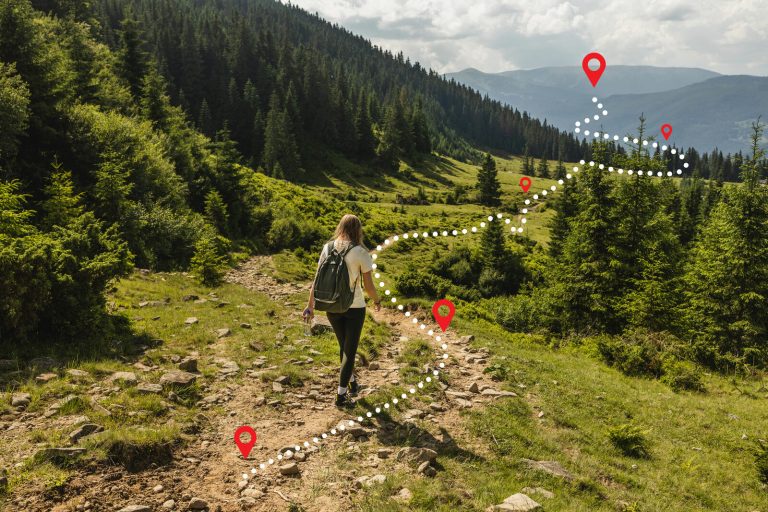
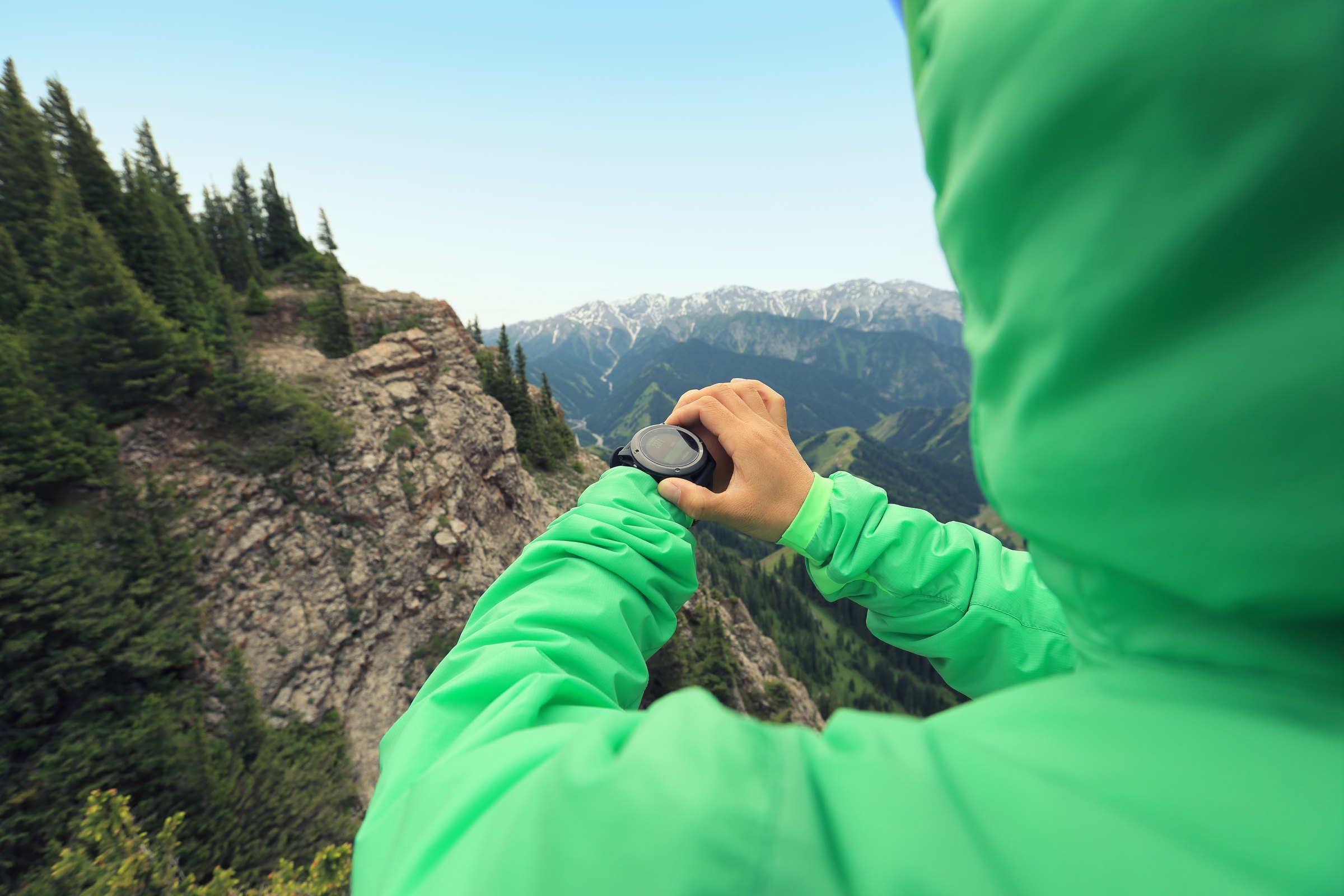
A hiking watch records where you have walked, tells you how far and how high you have come, and can lead you back to where you started. Some also show a map, and a few can call for help by satellite. They differ most in three areas: how long the battery lasts while tracking, whether there is a map on the screen, and what happens when you need help. This guide explains each, and how to match a watch to the trips you take.
A watch does not replace a map and compass, and it does less than a handheld GPS or a phone with a mapping app. What it adds is convenience: it is on your wrist, it works in rain and with one hand, and it runs far longer than a phone. If you are deciding between a phone and a dedicated device, read using your phone as a backcountry GPS first.
What a hiking watch does
Every watch in this guide has a GPS receiver and records a track, the line of positions you have walked. From that track it works out distance, pace, and time, and with a barometric pressure sensor it adds elevation gained and lost. Three tasks follow from this:
- Recording the trip. How far, how long, how much climbing, saved to examine later.
- Answering questions on the trail. How far to the junction, how much climbing is left, what time the sun sets, which way is north.
- Getting you back. Every watch here can lead you back along the track you recorded, which is the feature most likely to matter when a trail disappears or the light wanes.
What a watch does poorly is show you the country around you. The screen is about an inch (2.5 cm) across. It is enough to check a junction; it is too small to plan a route or to choose a way around an obstacle. Carry a paper map and a compass, and know how to use them: our guide to map and compass navigation covers the skills.
Three kinds of watch
Hiking watches fall into three groups, and choosing the category is most of the decision.
- Tracking watches. No map. They show your track and any route you have loaded as a line on a blank screen, called a breadcrumb trail. They are tougher, simpler, and less expensive than the other kinds, and have long battery life for their size. The Garmin Instinct 3 Solar is a good example.
- Mapping watches. They store topographic maps and draw your position on them. They cost more, and the map uses some battery, but the best of them still track for days. The Coros Apex 4 is an excellent choice here. For the longest trips, the Garmin Enduro 3 tracks for about 120 hours on a charge.
- Smartwatches. A bright colour touchscreen, phone calls, apps, and payments, with GPS and maps as well. They are the most useful off the trail and need charging far more often on it. The Apple Watch Ultra 4 is a prime example.
Battery life: reading the numbers
Makers quote two figures, and they mean different things.
- Watch mode, in days or weeks. This is the watch telling the time, counting steps, and showing notifications. It tells you how often you charge at home.
- GPS mode, in hours. This is the watch recording a track. It is the number that matters on a hike.
To turn GPS hours into days on the trail, divide by the hours you walk each day, then take off a quarter. A watch rated at 40 hours gives about four days of 8-hour hiking days on paper and three in practice, because cold weather, the backlight, and checking the map all use power. A watch rated at 16 to 18 hours covers two days at most.
Three more points:
- The most accurate GPS setting uses more battery. A quoted figure is often for the standard setting. Check which one.
- Solar charging slows the drain; it does not replace the charger. The solar figures assume about three hours a day in direct sun, which a wrist under a sleeve or under trees does not get.
- Cold shortens battery life. In freezing weather wear the watch under your cuff, against your skin, and expect less than the rated hours.
For any trip longer than the watch can track, carry its charging cable and a small power bank. Most hiking watches recharge fully in one to two hours.
GPS accuracy
In open country current GPS watches are accurate to within a few yards (a few metres). The differences appear under heavy tree cover, in canyons, and beside cliffs, where satellite signals bounce off rock and trunks before they reach the watch and the recorded track wanders.
Multi-band or dual-frequency GPS receives each satellite on two frequencies and uses the pair to reject most of the reflected signal. All three watches we have reviewed have it. If you hike in steep, forested, or canyon country it is worth having; on open trails you will not see the difference, and you can switch it off to save battery.
Maps and navigation
There are three levels, and each needs some preparation at home.
- Back to start. The watch leads you back along your own track. It needs no preparation, only that you started recording at the trailhead.
- Following a route. You draw or download a route in the phone app, send it to the watch, and the watch shows the route and warns you when you leave it. On a tracking watch the route is a line on a blank screen.
- Maps on the watch. The watch draws your position on a topographic map, with contour lines, water, and named trails. Maps are stored on the watch and work with no signal, but check before the trip that the region you are visiting is downloaded.
A map on the wrist is most useful at trail junctions and in poor visibility, where a glance confirms which fork you are on. Our guide to navigating in low visibility covers what to do when you cannot see the ground ahead. If you want a larger map on a dedicated device, a handheld such as the Garmin GPSMAP 65s has a bigger screen and runs on replaceable batteries.
Altimeter, barometer, and compass
These three sensors are standard on hiking watches, and each has a limit worth knowing.
- Altimeter. It works out elevation from air pressure, which is more precise than GPS for height gained and lost. Air pressure also changes with the weather, so the reading drifts. Set it at a point of known elevation, such as a trailhead sign or a mapped summit, at the start of each day.
- Barometer. The same sensor, read as a weather instrument. A steady fall in pressure over a few hours while you stay at one elevation is a sign of worsening weather. Many watches can sound a storm alert. Our guide to backcountry weather explains how to read the signs.
- Compass. An electronic compass gives a bearing while you stand still. It needs calibrating now and then, and metal or a magnet close to the watch throws it off. Check it against a baseplate compass before relying on it.
Calling for help
This is where the watches differ most, and where a wrong assumption may cost you dearly.
- Most hiking watches cannot call for help on their own. Their emergency features send an alert through your phone, so they work only where the phone has a signal.
- A few watches can reach a satellite directly. The Apple Watch Ultra 3 and Ultra 4 send an emergency SOS from the watch with no phone and no cellular plan, and send ordinary messages by satellite with a cellular plan. The Garmin Fenix 8 Pro has Garmin’s inReach messaging and SOS built in, with a paid service plan. The LTE model of the Google Pixel Watch 4 sends an emergency SOS only. Each needs a clear view of the sky, and each works only in the countries its service covers, so check the coverage for where you travel.
- Some watches control a separate satellite communicator. Garmin watches pair with an inReach device, so you can send a message or trigger SOS from the wrist while the communicator does the transmitting.
For travel beyond cell coverage, a dedicated device is the dependable choice, because its battery lasts weeks and its one job is to reach a satellite. The Garmin inReach Messenger sends two-way messages and SOS, and the ACR ResQLink is a rescue beacon with no subscription. Whatever you carry, leave your route and return time with someone at home.
Screen, buttons, and build
- Screen type. A reflective screen, often called MIP or memory-in-pixel, is easy to read in direct sun, always on, and uses very little power; it looks dull indoors. A bright colour screen, often called AMOLED, is sharper and better in low light, and uses more battery.
- Buttons or touch. Buttons work with gloves, wet hands, and without looking. A touchscreen is quicker for moving a map and harder to use in rain. Watches with both let you lock the touchscreen.
- Size and weight. A larger case holds a larger battery. Most models come in two sizes; the smaller one is more comfortable on a slim wrist and has shorter battery life.
- Glass and case. Sapphire glass resists scratches from rock far better than mineral glass. For water, look for a rating of 5 ATM, often printed as “50 m”, or higher. That figure is a pressure rating from a still-water test, not a depth: 5 ATM covers rain, river crossings, and swimming, while a watch marked 3 ATM or “30 m” is rated for splashes only.
- Flashlight. A small built-in light is more useful than it sounds, for a tent at night or a dropped item. It does not replace a headlamp.
Your phone and the apps
Every watch is set up and managed through a phone app, and routes and maps are loaded through it. Two checks before you buy:
- Compatibility. The Apple Watch works only with an iPhone. Garmin and Coros watches work with both iPhone and Android.
- Ongoing costs. The watches we have reviewed need no subscription for tracking, maps, or navigation. Satellite messaging is the exception, on the Apple Watch and on any separate communicator.
Load routes, download maps, and update the watch’s software at home, on Wi-Fi, a day or more before the trip. An update that starts at the trailhead can leave you without the watch for the first hour.
Choosing by trip
- Day hikes on marked trails. Any of the three kinds will do. Choose on what you want from the watch the rest of the week.
- Weekends and overnight trips. Look for 18 hours or more of GPS tracking, or carry a power bank. A tracking watch or a mapping watch will not need charging; a smartwatch will need one top-up.
- A week or more between charges. Look for 40 hours of GPS tracking or more. This rules out smartwatches unless you carry enough power to charge every day or two. The Garmin Enduro 3 is our choice for thru-hikes and expeditions.
- Off-trail, steep, or forested country. Choose multi-band GPS and a map on the watch.
- Solo travel beyond cell coverage. Decide how you will call for help first, and choose the watch second.
- Winter. Choose buttons over a touchscreen, and allow for shorter battery life in the cold.
Whichever trip type you are selecting, it is of course always best to additionally carry a paper map and a compass. Dead devices don’t help in the backcountry.
The watches we have reviewed
- Garmin Instinct 3 Solar. A tracking watch: tough, button-operated, with a built-in flashlight and up to 40 hours of GPS in the smaller size. No maps.
- Coros Apex 4. A mapping watch: offline topographic maps, sapphire glass, and about 65 hours of GPS in the larger size. A plain screen and few smartwatch extras.
- Garmin Enduro 3. A mapping watch for thru-hikes and expeditions: topographic maps, a sapphire solar lens, a built-in flashlight, and about 120 hours of GPS. It comes in one large 51 mm size.
- Apple Watch Ultra 4. A smartwatch: a bright colour screen, satellite SOS from the wrist, and 18 hours of standard GPS tracking, with an extended mode the maker rates at up to 45 hours. It works only with an iPhone.
Common mistakes
- Buying on the watch-mode figure. A watch that lasts three weeks on the wrist may track for only two days. Compare GPS hours, and divide by your hiking day.
- Forgetting to start recording. With no track, the watch cannot lead you back. Start the activity at the trailhead, and wait for the watch to report that it has found satellites before you walk away.
- Leaving maps and routes for the trailhead. With no signal you cannot download them. Load them at home and open each one on the watch to confirm it is there.
- Treating the watch as the way to call for help. Most watches need a phone signal for their emergency features, and the few with satellite SOS do not cover every country. Know what yours can do, and carry a satellite communicator or a beacon where there is no coverage.
- Trusting the altimeter all day without resetting it. A change in the weather can shift the reading by a hundred feet (30 m) or more. Set it at a known elevation each morning.
- Carrying no way to recharge. A watch with a flat battery records nothing. Pack the cable and a small power bank on any trip longer than the watch’s GPS hours.
- Leaving the map and compass at home. A watch can break, freeze, or run flat. Carry both, and practise with them.
Key takeaways
Choose the kind of watch first: a tracking watch for durability and battery life, a mapping watch for a map on the wrist, or a smartwatch for everyday use with shorter trips. Compare GPS hours, not days of watch mode, and divide by your hiking day. Choose multi-band GPS for forest and steep country. Load maps and routes at home, start recording at the trailhead, and set the altimeter each morning. Decide how you will call for help separately from the watch, because most watches depend on a phone signal. Carry a map, a compass, and a way to recharge.
Battery, accuracy and screen figures are from manufacturer specifications and from independent tests published by OutdoorGearLab, Treeline Review and CleverHiker in 2025 and 2026. Satellite features are as described by Apple, Garmin and Google in October 2026 and vary by country.
Wilderness Experts is reader-supported. As an Amazon Associate we earn from qualifying purchases; when you buy through links on our site we may earn a commission at no extra cost to you. It never changes what we recommend.